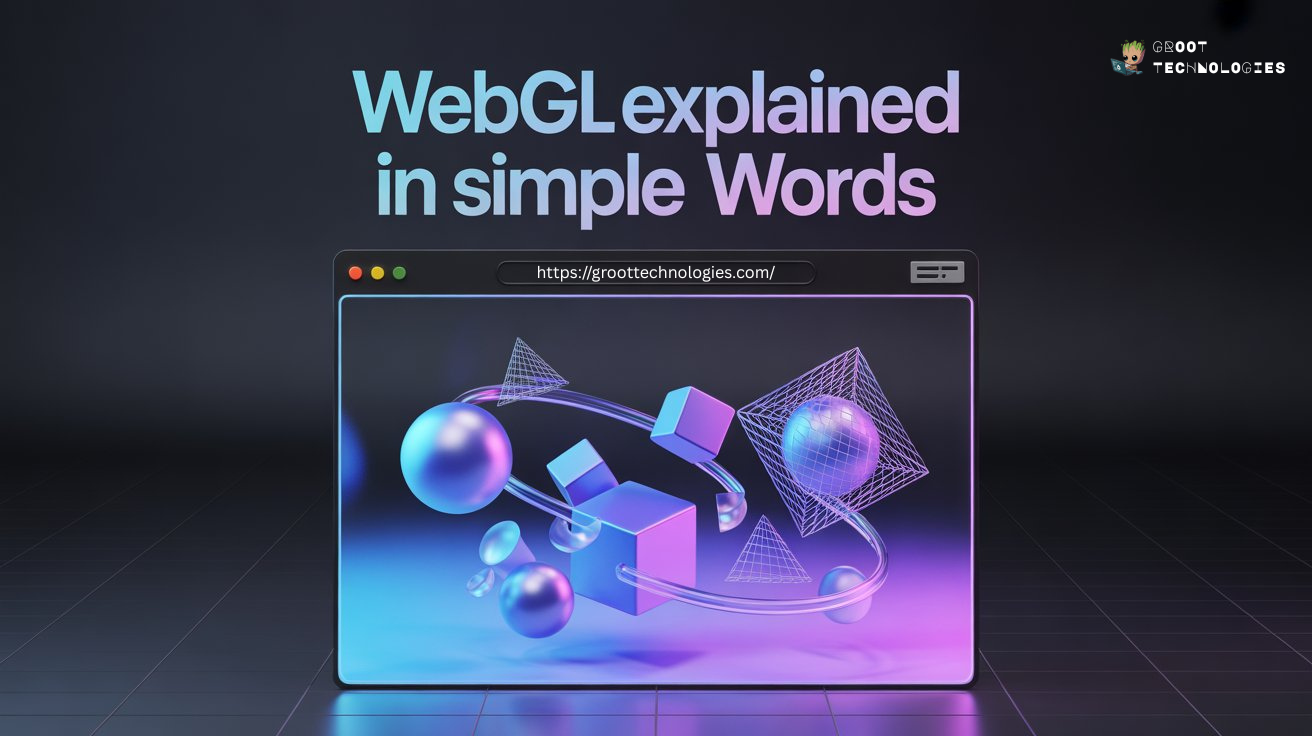
Introduction to WebGL
The modern web is no longer just text and images. Today’s websites move, respond, and
interact almost like real-world environments. Ever visited a website where a product rotates
in 3D or a background reacts to your mouse movement? That magic often comes from WebGL.
Let’s break it down in simple words — no complicated jargon, no confusing technical talk.
Just a clear explanation of what WebGL is, how it works, and why it matters.
Why Web Graphics Matter Today
Users expect experiences, not just information. Static websites feel outdated, while
interactive visuals grab attention instantly. Businesses use visual storytelling to explain
products, developers build immersive interfaces, and designers create engaging digital
environments. Web graphics make all this possible.
The Evolution of Graphics on the Web
In the early days, web graphics were limited to images and simple animations. Then came
Flash, which allowed richer visuals but had performance and security issues. WebGL changed
everything by allowing powerful 3D graphics directly inside the browser — without plugins.
What is WebGL Explained?
Simple Definition of WebGL
WebGL stands for Web Graphics Library. In simple terms, it is a technology that allows
websites to display 3D graphics and advanced visual effects directly in your web browser.
Think of WebGL as a bridge between your browser and your computer’s graphics card. Instead of
doing heavy visual calculations using the CPU, it uses the GPU, making graphics smoother and
faster.
WebGL vs Traditional Web Graphics
Traditional web graphics rely on technologies like HTML, CSS, and Canvas. These are great for
basic visuals but struggle with complex 3D scenes.
WebGL, on the other hand:
Handles complex 3D environments
Supports lighting and shadows
Enables real-time animation
Delivers game-like experiences in browsers
It’s like comparing a sketchbook to a full 3D studio.
What Programming Language is WebGL?
Role of JavaScript in WebGL
WebGL itself is not a standalone programming language. It works through JavaScript, the main
scripting language of the web. Developers write JavaScript code to control how objects
appear, move, and interact on the screen.
JavaScript acts as the controller that tells WebGL what to draw and how to draw it.
Understanding GLSL (WebGL Shading Language)
Behind the scenes, WebGL also uses GLSL (OpenGL Shading Language). This language runs
directly on the GPU and controls how colors, lighting, and textures appear.
Why Shaders Are Important
Shaders are small programs that decide how light hits objects, how surfaces look, and how
textures are applied.
Without shaders, 3D graphics would look flat and unrealistic.
How Old is WebGL?
History and Development
WebGL was first released in 2011 by the Khronos Group, the same organization behind OpenGL.
The goal was simple — bring high-performance graphics to the web without requiring plugins.
Before WebGL, users had to install external software to see advanced graphics. WebGL made
everything native to the browser.
Major Updates and Versions
WebGL has evolved over time.
WebGL 1.0 introduced core 3D capabilities.
WebGL 2.0 added advanced features like improved textures and rendering techniques.
Today, most modern browsers support WebGL by default.
Who Uses WebGL?
Developers and Designers
Web developers use WebGL to create immersive websites, while designers use it to build
visually stunning interfaces. It allows creativity without sacrificing performance.
Industries Using WebGL
WebGL is widely used across industries because visual interaction improves user engagement.
Gaming, E-commerce, Education, and Architecture
Gaming: Browser-based 3D games.
E-commerce: 360-degree product views.
Education: Interactive simulations.
Architecture: Virtual building walkthroughs.
If you’ve ever rotated a shoe or car online before buying it, you’ve likely used WebGL
without realizing it.
WebGL Key Features and Functionality Explained
Hardware Acceleration
WebGL uses the GPU instead of the CPU. This means smoother animations and faster rendering,
even for complex scenes.
Real-Time Rendering
Objects can move and change instantly based on user interaction. Rotate, zoom, or click —
everything updates in real time.
Cross-Platform Compatibility
WebGL works across desktop computers, mobile phones, and tablets. As long as there’s a modern
browser, WebGL works.
Browser-Based Performance
No downloads. No plugins. Everything runs directly in the browser, making it accessible and
efficient.
How WebGL Works
Role of the GPU
The GPU is designed to process many visual calculations at once. WebGL sends graphical
instructions to the GPU, which renders images quickly and efficiently.
Think of it like hiring a specialist instead of asking a general worker to do everything.
Rendering Pipeline Explained Simply
Vertices, Textures, and Shaders
Vertices are points that form shapes. Textures are images wrapped around shapes. Shaders are
programs that define appearance.
Together, they create realistic 3D scenes.
Use Cases of WebGL
3D Websites and Interactive Experiences
Modern brands use WebGL to create immersive landing pages that capture attention instantly.
Online Games
Many browser-based games rely on WebGL for smooth graphics without installations.
Product Visualization
E-commerce platforms allow customers to inspect products from every angle, improving purchase
confidence.
Data Visualization
Complex data can be transformed into interactive 3D charts and models, making analysis easier
to understand.
Virtual Reality and Simulations
WebGL powers simulations used in training, education, and virtual tours.
Advantages of WebGL
High-performance graphics, no plugins required, cross-browser support, real-time interaction,
and ideal for modern web experiences.
It brings game-level graphics directly into everyday websites.
Challenges and Limitations of WebGL
Despite its strengths, WebGL has challenges such as a steeper learning curve for beginners,
performance dependency on device hardware, and the need for optimization on mobile devices.
However, modern frameworks like Three.js have made development much easier.
The Future of WebGL
The web is moving toward immersive experiences like 3D interfaces, virtual environments, and
interactive storytelling. As browsers become more powerful and GPUs more accessible, WebGL
will continue to shape the future of web design and development.
Technologies like WebXR and advanced GPU APIs are already expanding what’s possible.
FAQs
1. Is WebGL supported in all browsers?
Most modern browsers like Chrome, Firefox, Edge, and Safari support WebGL by default.
2. Is WebGL difficult to learn?
It can be complex initially, but libraries like Three.js simplify development significantly.
3. Does WebGL require installation?
No. It runs directly inside the browser without plugins.
4. Can WebGL be used for mobile websites?
Yes, WebGL works on mobile browsers, though optimization is important.
5. Is WebGL only used for games?
No, it is widely used in e-commerce, education, architecture, data visualization, and
interactive websites.
Conclusion
WebGL may sound technical at first, but at its core, it’s simply a way to make websites more
alive, interactive, and visually engaging. By allowing browsers to communicate directly with
the GPU, it opens the door to powerful 3D graphics without extra software.
Whether it’s gaming, product visualization, or immersive websites, WebGL is quietly powering
many of the modern experiences we enjoy online today.
 GROOT
TECHNOLOGIES
GROOT
TECHNOLOGIES